



 +31 20 820 3777
 Compliance
  Support
  Documentation
 Login
Login 




Back in December, on the 25th to be exact, OpenWebUI upgraded to version 0.5.0, and one of the best interfaces for working with models in Ollama embarked on a new chapter. Let's take a look at what's emerged over the past 1.5 months since the release and what it now offers in version 0.5.12.
-
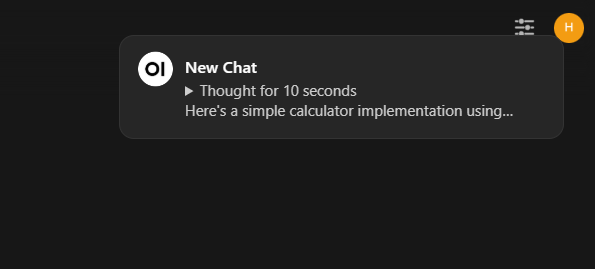
Asynchronous Chats with Notifications. You can now start a chat, then switch to other chats to check some information and return without missing anything like before. Model processing happens asynchronously, and when it completes its output, you'll receive a notification.
-
Offline Swagger Documentation for OpenWebUI. You no longer need an internet connection to access the OpenWebUI documentation. Remember: in the OpenWebUI docker image, you need to pass the variable -e ENV='dev' in the launch string, otherwise it will start in prod mode and without API documentation access.
-
Support for Kokoro-JS TTS. Currently only available for English and British English, but it works directly in your browser with good voice quality. We're looking forward to other language voices in the models!
AI Platform: Pre-installed Language LLM Models on High-Performance Servers with GPUs
Rent a high-performance server with a GPU card featuring pre-installed top LLM models:
- DeepSeek-r1-14b
- Gemma-2-27b-it
- Llama-3.3-70B
- Phi-4-14b
🔶 NVIDIA RTX 4090 GPUs 🔶 Hourly Billing 🔶 Discounts up to 30%
-
Code Interpreter Mode Added. This feature lets you execute code through Pyodide and Jupyter, improving output results. Access it in Settings - Admin Settings - Code Interpreter. Access to Jupyter is provided through an external server.
-
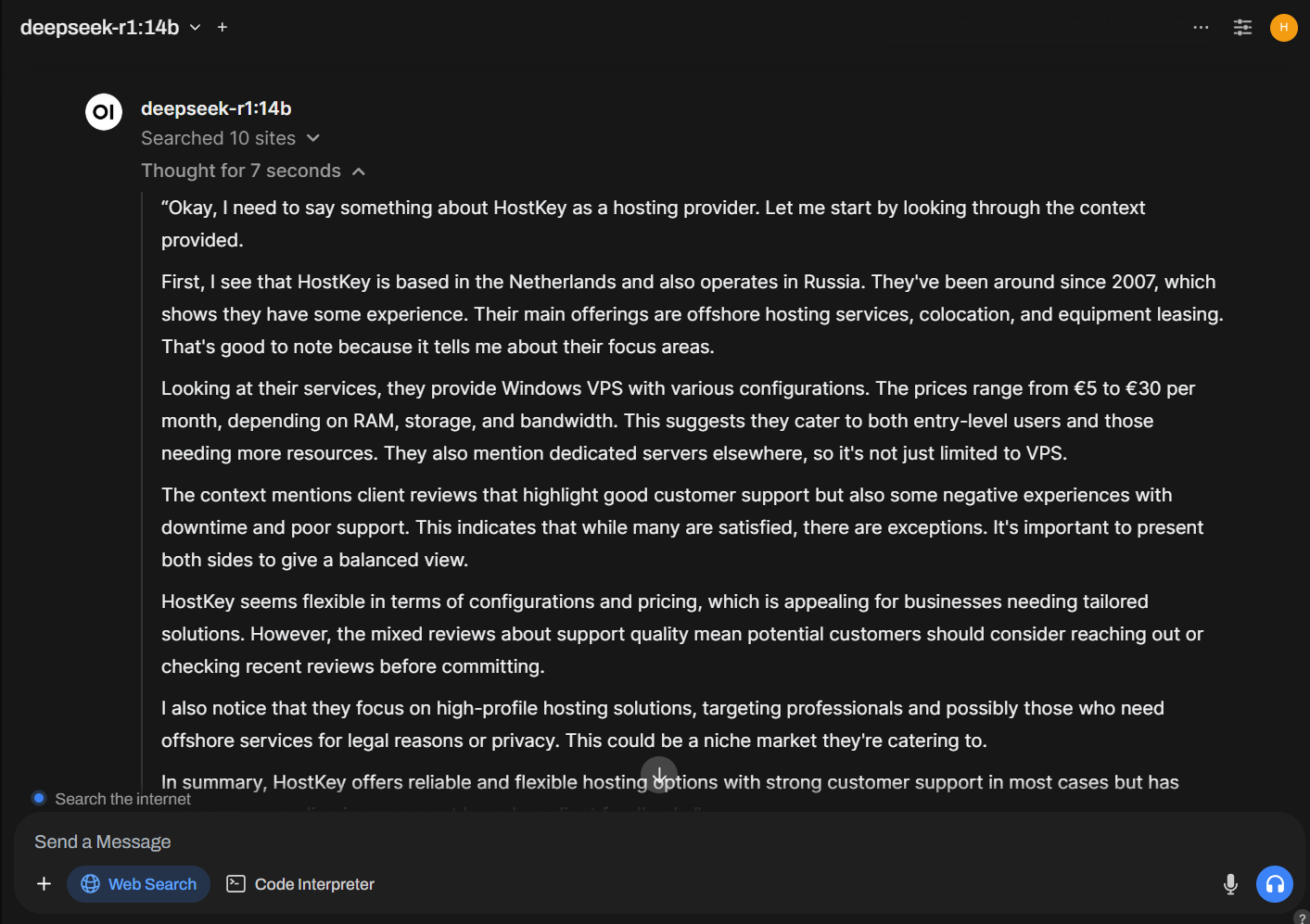
Support for "Thinking" Models with Thought Output. You can now use models like DeepSeek-R1 and see how they interpret prompts by displaying their "thoughts" in separate tabs.
-
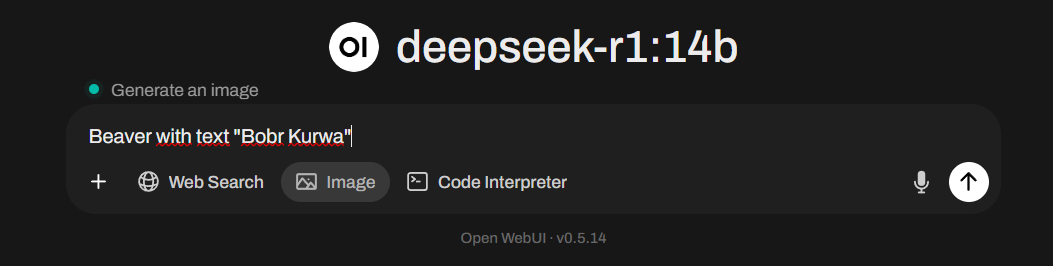
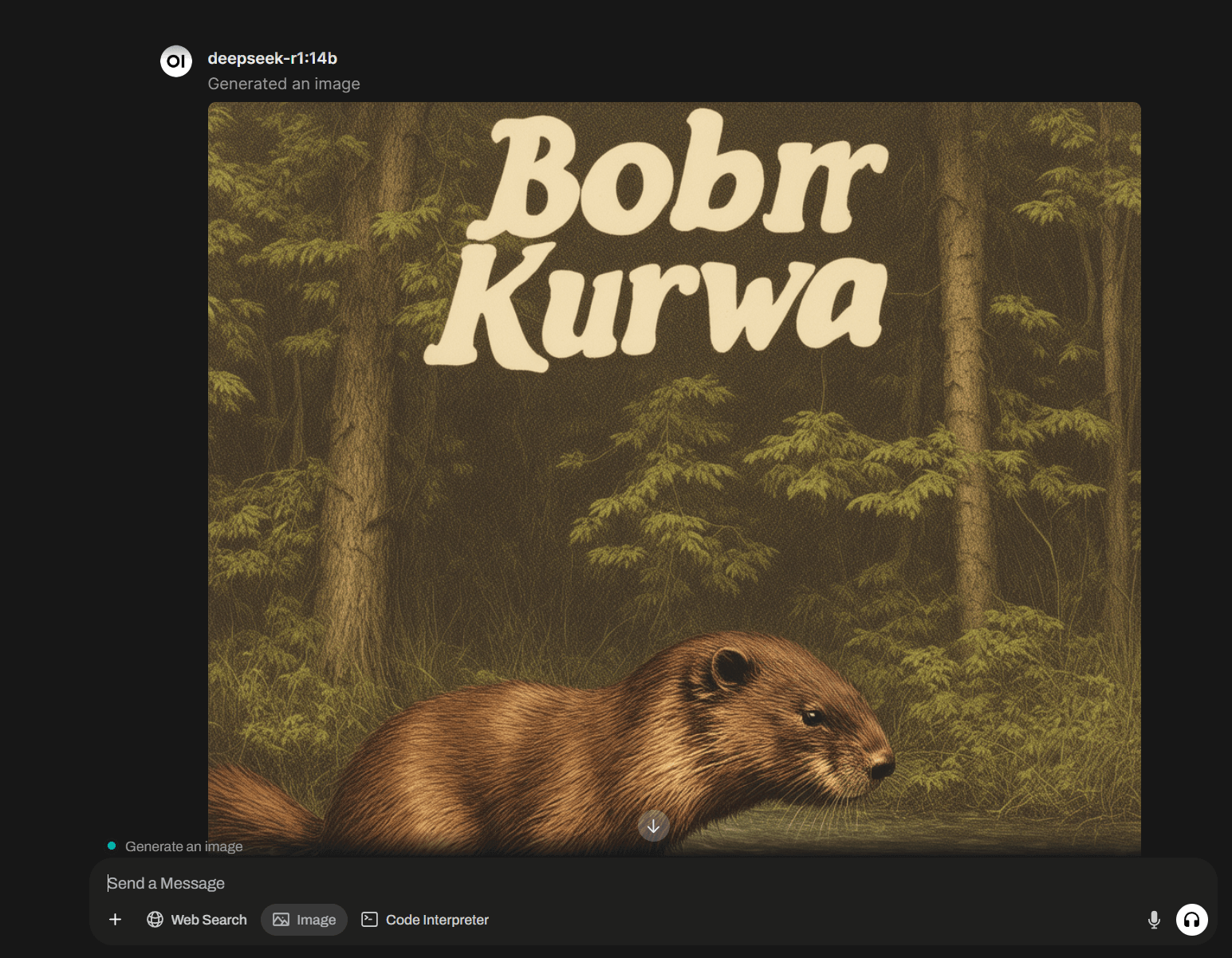
Direct Image Generation from Prompts. With a connected service like ComfyUI or Automatic1111, you can generate images directly from your input prompt. Simply toggle the Image button under your prompt field.
-
Document Uploading from Google Drive. While you can now upload documents directly from your Google Drive, there's no straightforward way to authorize access through the menu. You'll need to set up an OAuth client, a Google project, obtain API keys, and pass variables to the OpenWebUI instance upon uploading. The same applies to accessing S3 storage. We hope for a more user-friendly solution soon.
-
Persistent Web Search. You can now enable web search permanently to get relevant results, similar to ChatGPT. Find this option in Settings - Interface under Allows users to enable Web Search by default.
-
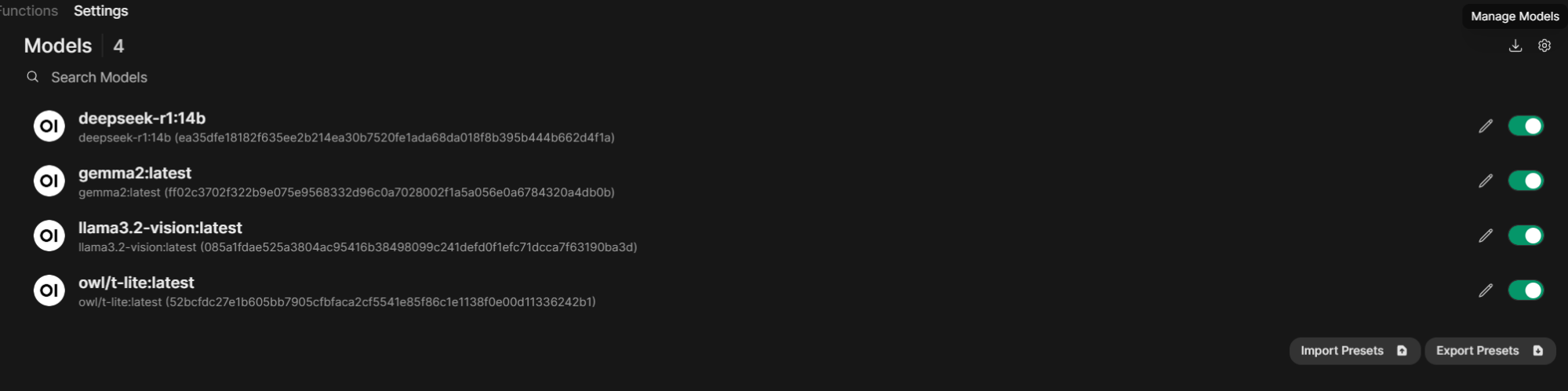
Redesigned Model Management Menu. This new menu lets you include and exclude models and fine-tune their settings. If you're missing the Delete Models option, it's now hidden under a small download icon labeled Manage Models in the top right corner of the section. Clicking on it will reveal the familiar window for adding and deleting models in Ollama.
-
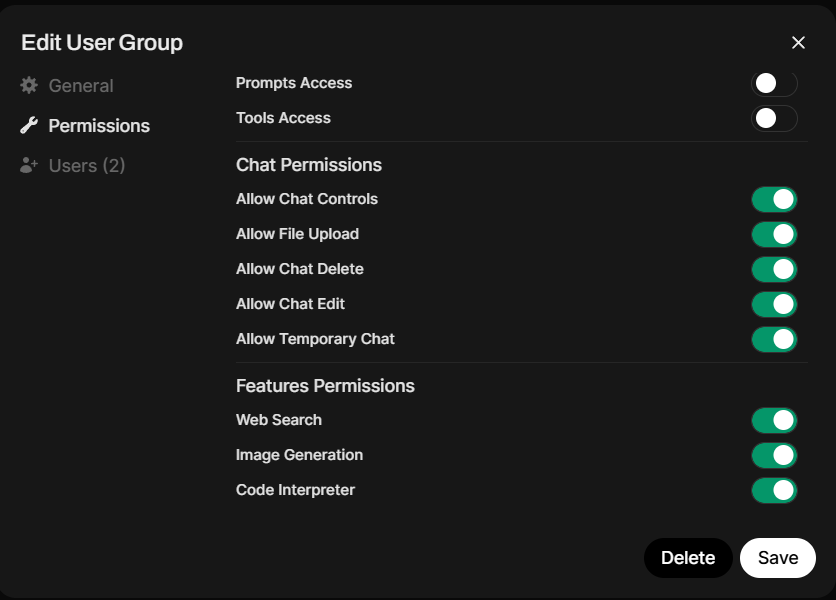
Flexible Model and User Permissions. You can now create user groups and assign them access to specific models and OpenWebUI functions. This allows you to control actions within both Workspaces and chats, similar to workspace permissions.
-
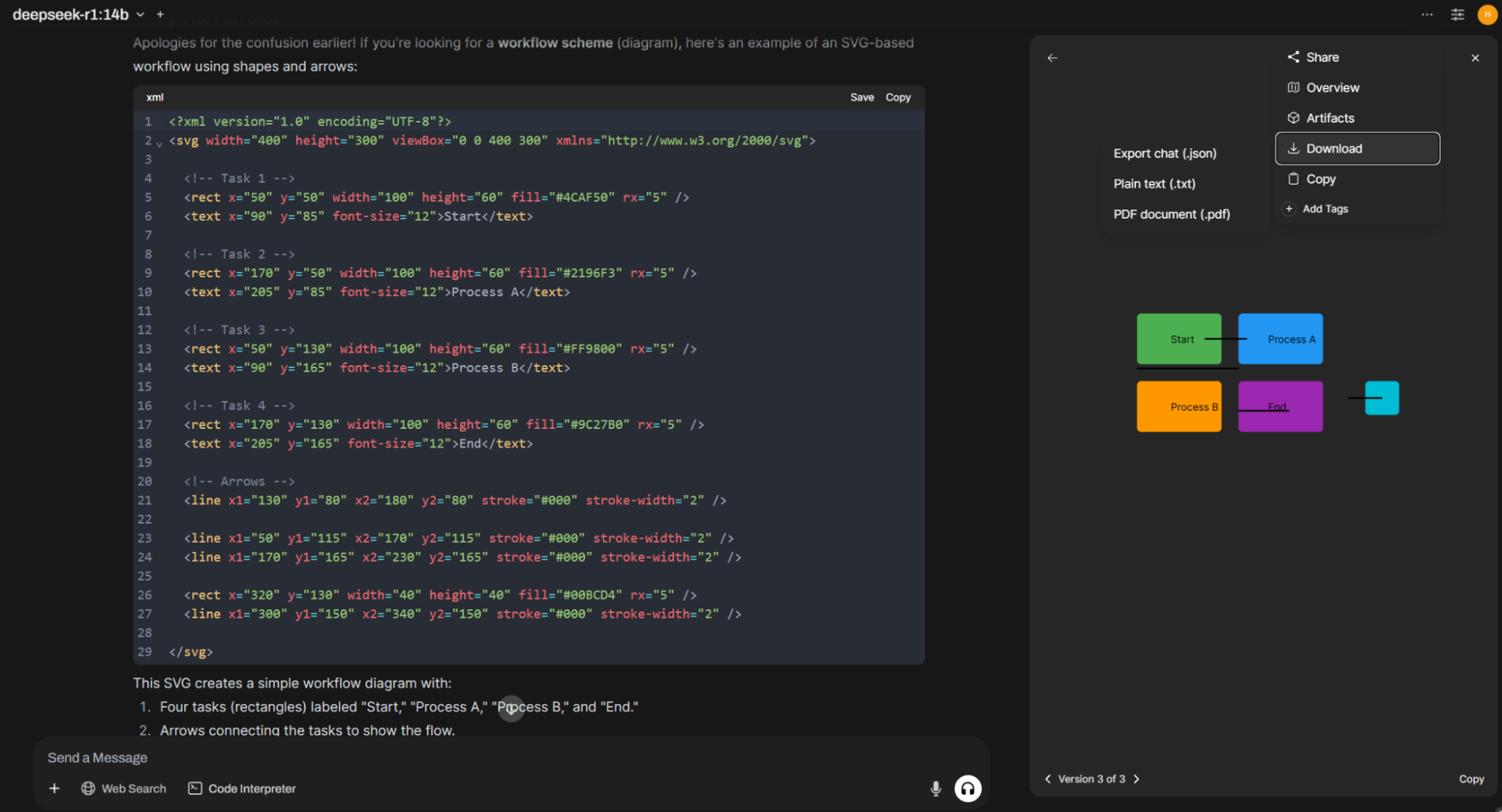
New Chat Actions Menu. A new menu with additional chat functions is accessible by clicking the three dots in the top right corner. It allows you to share your chat and collaborate on it. You can also view a chat overview, see real-time HTML and SVG generation output (Artifacts section), download the entire chat as JSON, TXT, or PDF, copy it to the clipboard, or add tags for later search.
-
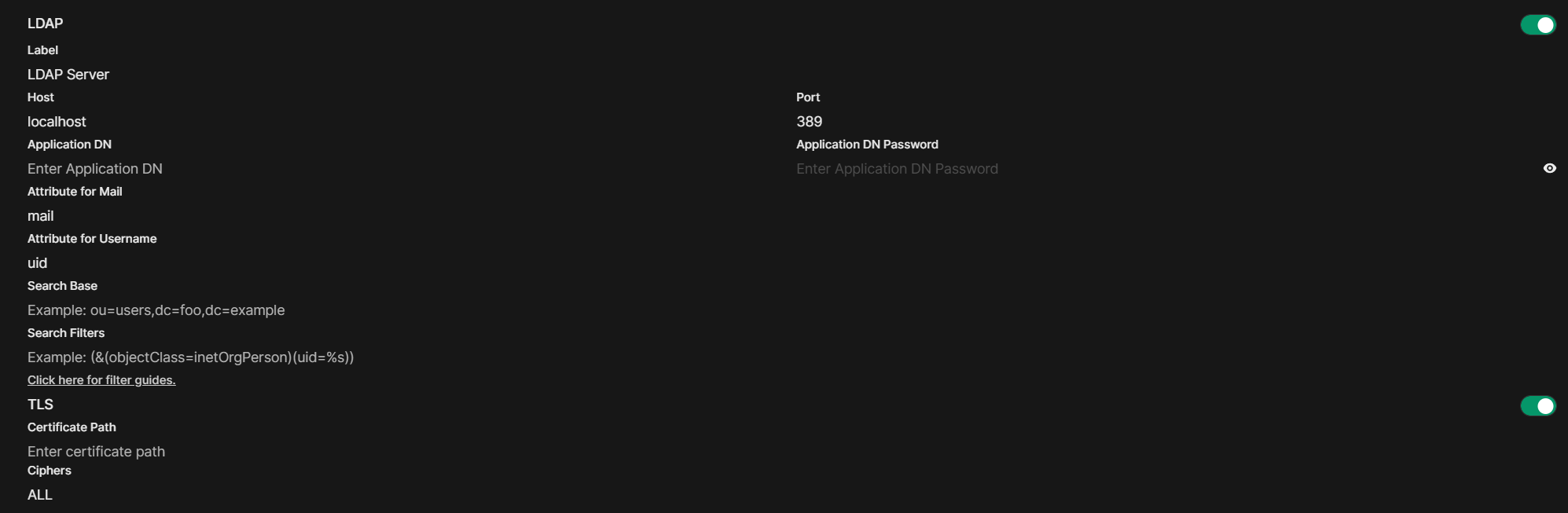
LDAP Authentication. For organizations using OpenWebUI, you can now connect it to your authentication server by specifying email and username attributes. However, manual user group allocation is still required.
-
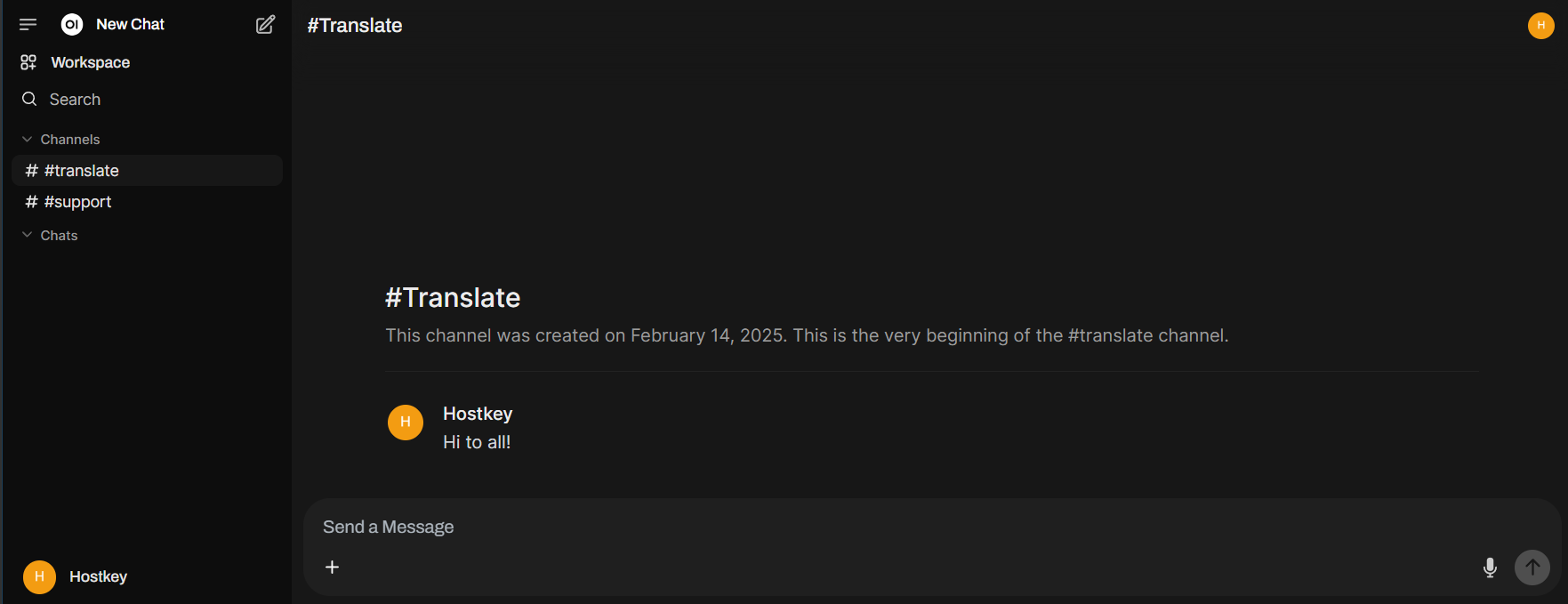
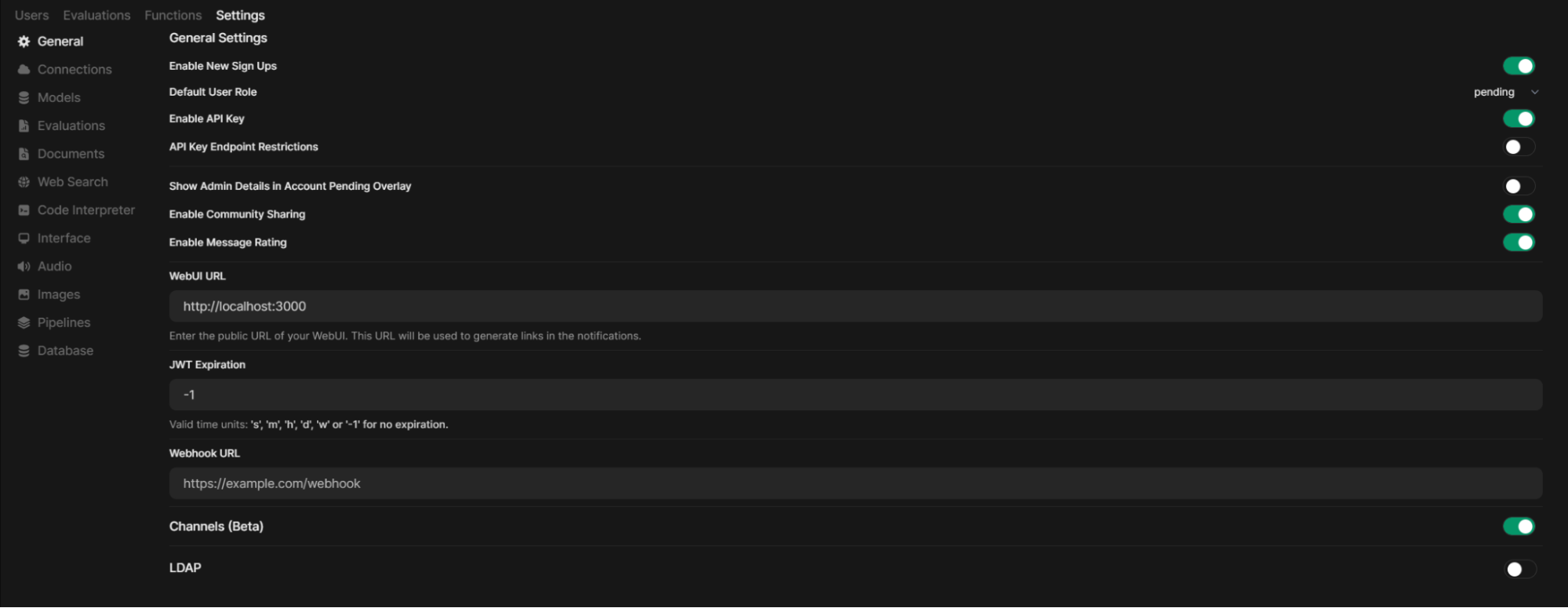
Channels. These are chat rooms within OpenWebUI allowing users to communicate with each other. After creation, they become visible to all users or specific user groups defined by you. To enable this feature, go to Settings - Admin Settings - General.
And Many More Improvements! This includes OAuth support, model-driven tool and function execution, minor UI tweaks, API enhancements, TTS support via Microsoft solutions or models like MCU-Arctic, and more. Stay on the cutting edge by checking for new OpenWebUI release notifications and updating regularly. While we recommend a slight delay of a few days after a major update, as several minor fixes are usually released within 2-3 days.