Working with IPMIView and Java 7 / 8
In this article
Previous-generation servers
These instructions are for previous-generation servers (with a Java-based IPMI/KVM module) that are still in use by customers. For new servers, use the current instructions in this section.
Working with an IPMI controller is available via a special program, Supermicro IPMIView, which is available as a free download.
Note
Windows and Linux versions of the software are available. It is recommended that you use IPMIView to work with IPMI, as it is faster and more convenient than using the web interface.
Working with IPMView
-
Open > File > New > System, add the system's name and IP address.
-
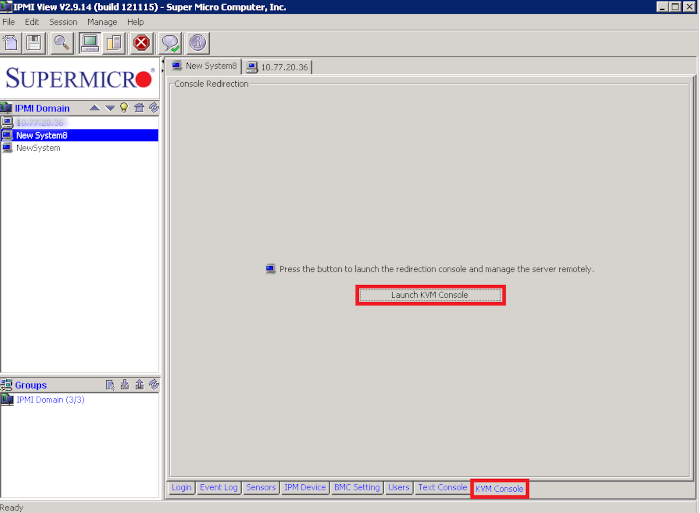
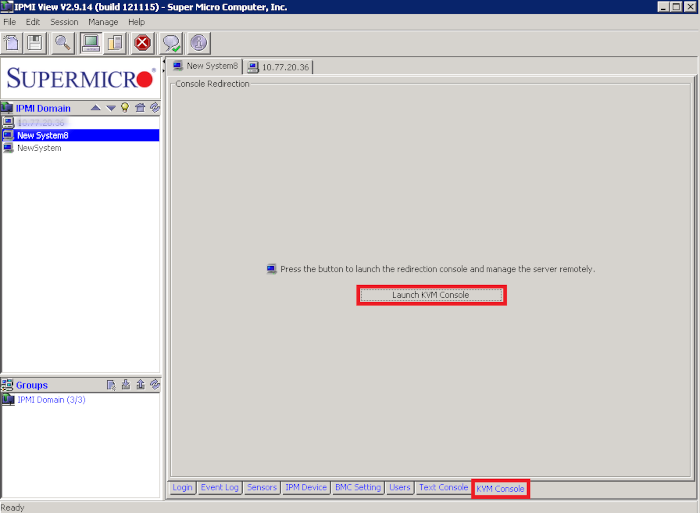
Login to the new system > KVM console > Launch KVM Console:
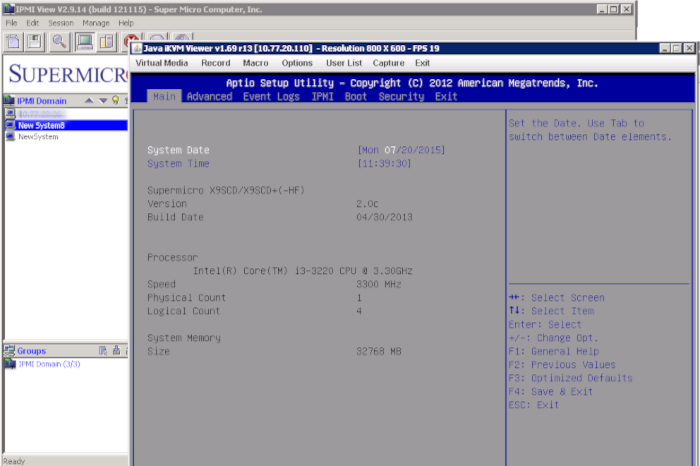
If the java-applet doesn't appear, follow the IPMI Device > Cold reset:
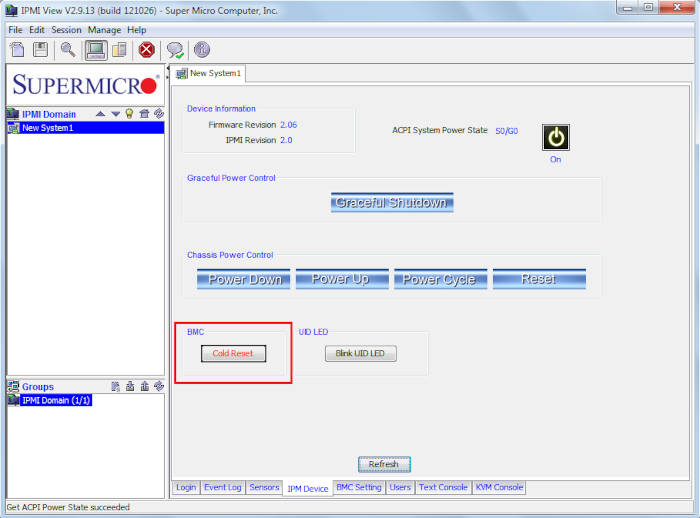
Using Java 7 / 8
-
Open Java 7 > Configure Java on our PC.
-
Open Secutity, move the slider to the
mediumposition.
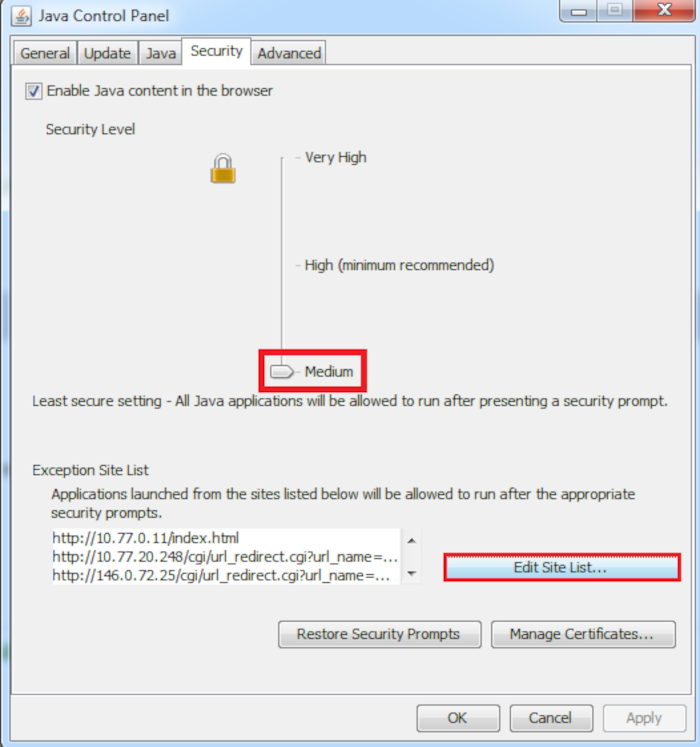
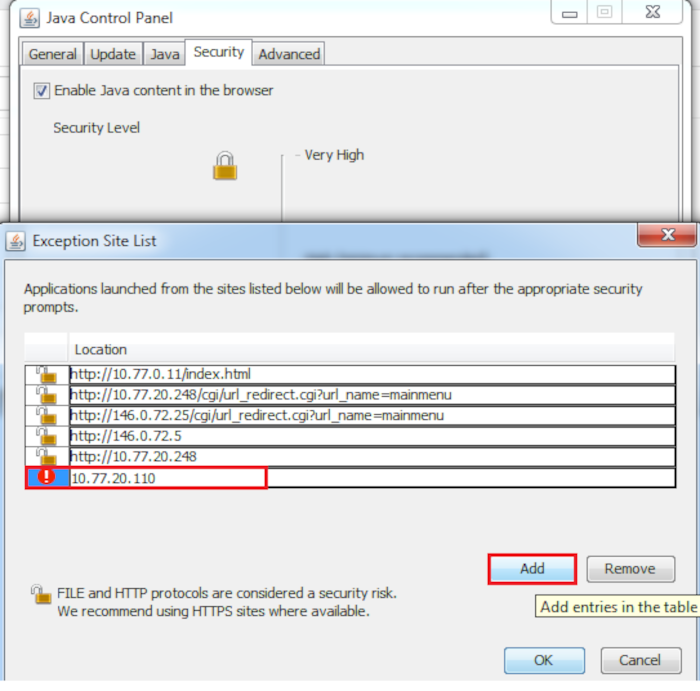
- If you are using Java ver.8, add the address to the Exception Site List: