Installing an OS to Intel S5500 Server
Previous-generation servers
These instructions are for previous-generation servers (with a Java-based IPMI/KVM module) that are still in use by customers. For new servers, use the current instructions in this section.
To install the operating system from the ISO file on an Intel S5500-based server, follow these steps:
-
Download ISO file with operating system.
-
Please use Mozilla Firefox or Internet Explorer browsers. Chrome-based browsers won't let you launch the console session.
-
Install Java Runtime Environment version 7. If you have Java 8 installed, you need to uninstall it first.
Information
You may download Java 7 here.
-
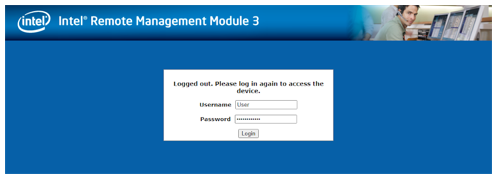
Connect to the server with the credentials you get from the support team:
-
Go to Remote control tab and press the
Launch consolebutton. You should allow pop-up windows if prompted. -
Launch the downloaded
.JLNPfile to connect to the server's console. -
Use F2 button to access the server BIOS after reboot and Device >> Redirect ISO menu item to connect the OS image you need:

-
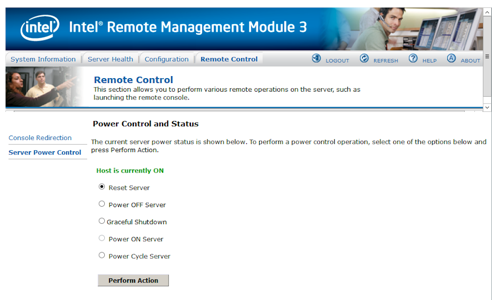
Power ON/OFF/Reset functions are available at the Server Power Control: