RustFS
In this article
Information
RustFS is a high-performance distributed object storage system, written entirely in the Rust programming language. It is fully compatible with the Amazon S3 API and is actively positioned as a modern open-source alternative to solutions like MinIO. The project is distributed under the Apache 2.0 license, making it attractive for business due to the absence of vendor lock-in.
RustFS Main Features
- Memory safety and reliability: Thanks to Rust's strict memory ownership system, the compiler eliminates entire classes of vulnerabilities during the coding stage: buffer overflows, use-after-free, and data races.
- Predictable performance without Garbage Collection (GC): Unlike MinIO (written in Go), which may experience micro-pauses (jitter) due to garbage collection under high load, RustFS does not use GC. This ensures stable and low latency even with thousands of concurrent requests.
- High speed with small objects: According to tests, RustFS can be up to 2.3 times faster than MinIO when performing operations with small objects (e.g., 4 KB in size).
- Full S3 API compatibility: The system supports a wide range of S3 operations: bucket creation, multipart upload, object versioning, server-side encryption, WORM compliance (protection against deletion), and flexible access policies (IAM). This allows the use of familiar tools (AWS CLI, boto3, MinIO Client mc) without changing application code.
- Distributed architecture without a single point of failure: RustFS does not use a dedicated central metadata server. Data and metadata are distributed evenly across all cluster nodes using Erasure Coding algorithms (e.g., Reed-Solomon).
- Resource efficiency: Thanks to zero-cost abstractions in Rust, the system consumes less RAM and CPU time. This makes it an excellent choice for deployment on low-end hardware, edge devices, or in compact home/office clusters.
- No hidden telemetry: RustFS does not collect or send usage data ("phone home"), which is critical for compliance with corporate security policies and regulatory standards such as GDPR or data localization requirements.
Deployment Features
| ID | Name of Software | Compatible OS | VM | BM | VGPU | GPU | Min CPU (Cores) | Min RAM (GB) | Min HDD/SDD (GB) | Custom Domain | Active |
|---|---|---|---|---|---|---|---|---|---|---|---|
| 660 | RustFS | Ubuntu 24.04 | + | + | + | + | 1 | 2 | 10 | No | ORDER |
Information
You can find information regarding the deployment features of this software at this link.
Note
Unless otherwise specified, we install the latest release version of the software from the developer's website or the operating system repositories by default.
Getting Started After RustFS Deployment
After the order is paid, a notification will be sent to the email address provided during registration once the server is ready. It will contain the VPS IP address, as well as the login and password for connection. Customers can manage their hardware in the server control panel and API — Invapi.
- Link to access the MinIO web interface control panel: in the webpanel tag;
- Account:
root; - Key: sent to your email (your server password).
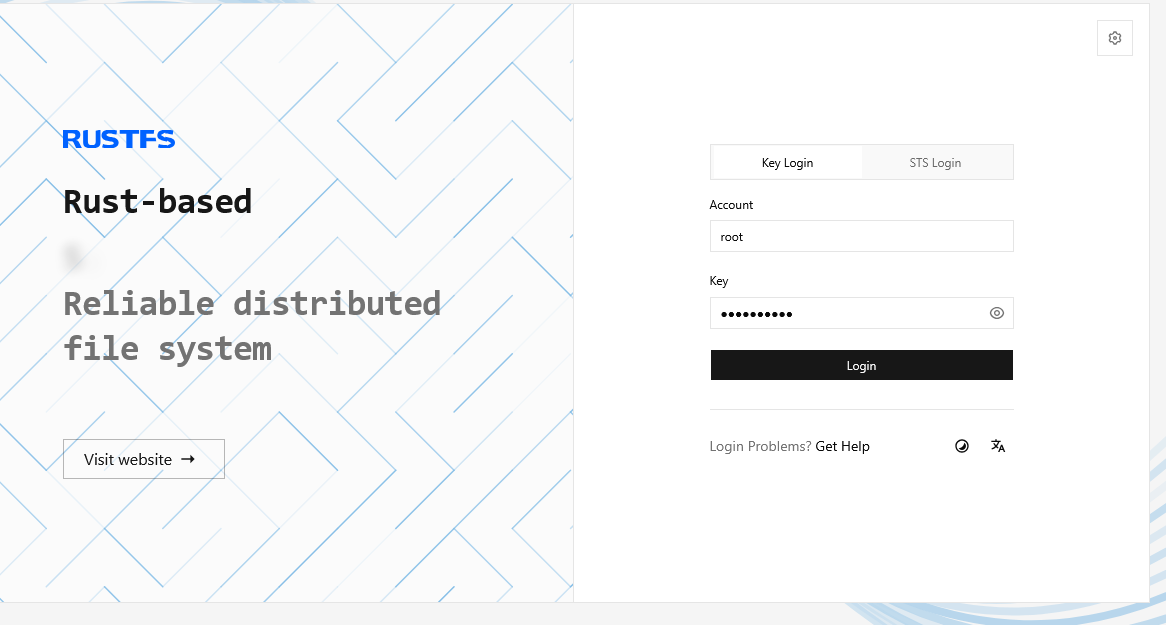
After successfully logging into the panel, you can create buckets, assign policies, and manage user settings. You can also monitor your system processes.
To view the current system status, go to the Running Status section.
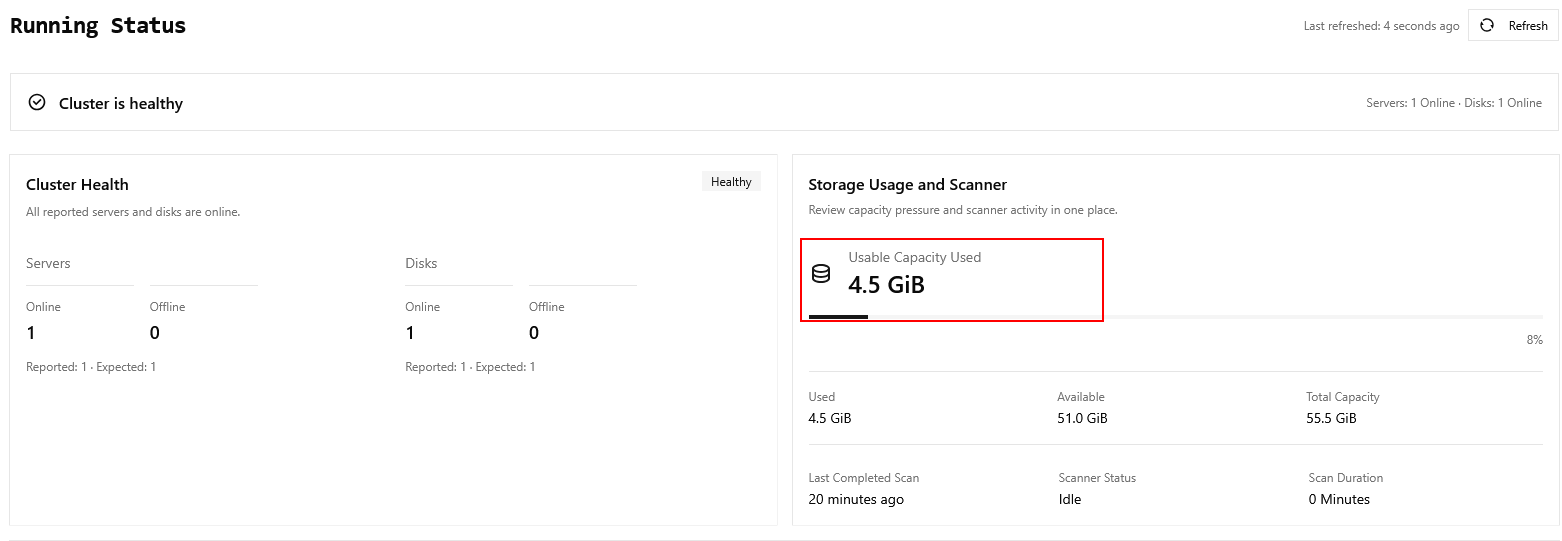
Information
Please note that the Usable Capacity Used parameter depends on the selected plan. If you need to increase capacity, you can upgrade your VPS plan to the required volume. More details
Note
Detailed information on the main RustFS settings is contained in the developer documentation.
Ordering RustFS via API
To install this software using the API, follow these instructions.