Qwen3.6-35B
In this article
Information
Qwen3.6 is an open multimodal MoE (Mixture of Experts) model from Alibaba Cloud, featuring 35 billion total parameters with 3 billion active parameters per token, designed to increase developer productivity and improve performance on real-world tasks. The model focuses on stability and practical utility, offering an intuitive and responsive experience. Qwen3.6 supports multimodal input (text and images) and has a context window of 256K tokens.
Key Features of Qwen3.6-35B
- MoE Structure: 35 billion total parameters and 3 billion active parameters, ensuring high generation speeds comparable to smaller models;
- Linear Attention: A hybrid architecture with Gated DeltaNet for efficient handling of long contexts;
- Large Context Window: The model supports a context window of 256K tokens, allowing it to process long documents and complex multi-step tasks without losing context;
- Agentic Coding: The model is significantly improved in frontend workflows and repository-level reasoning, providing greater smoothness and accuracy when solving complex development tasks;
- Thinking Preservation: A new option has been introduced to preserve the reasoning context from previous messages, which simplifies iterative development and reduces overhead when working on long-term tasks;
- Multimodal Support: The model supports both text and image input, expanding its applicability across various use cases;
- Multilingual Support: Like previous models in the Qwen series, Qwen3.6 features multilingual capabilities. To achieve optimal results, it is recommended to explicitly specify the target language for interaction.
Deployment Features
| ID | Name of Software | Compatible OS | VM | BM | VGPU | GPU | Min CPU (Cores) | Min RAM (GB) | Min HDD/SDD (GB) | Custom Domain | Active |
|---|---|---|---|---|---|---|---|---|---|---|---|
| 641 | Qwen3.6:35b | Ubuntu 22.04 | + | + | + | + | 8 | 12 | 40 | No | ORDER |
Information
Deployment details for this software can be found at this link
Note
Unless otherwise specified, we install the latest release version of the software from the developer's website or operating system repositories by default.
Getting Started After Deploying Qwen3.6-35B
After payment is completed, a notification regarding server readiness will be sent to the email address provided during registration. It will contain the VPS IP address, login and password for connecting to the server, and a link to access the Open WebUI panel. Customers manage their hardware through the Server Control Panel and API — Invapi.
-
Authorization credentials for accessing the server operating system (e.g., via SSH) will be sent to you in an email.
-
Link to access the Ollama control panel with Open WebUI web interface: located under the webpanel tag in the Configuration >> Tags tab of the Invapi control panel. The exact link, formatted as
https://qwen<Server_ID_from_Invapi>.hostkey.com, is sent in the email provided upon server delivery.
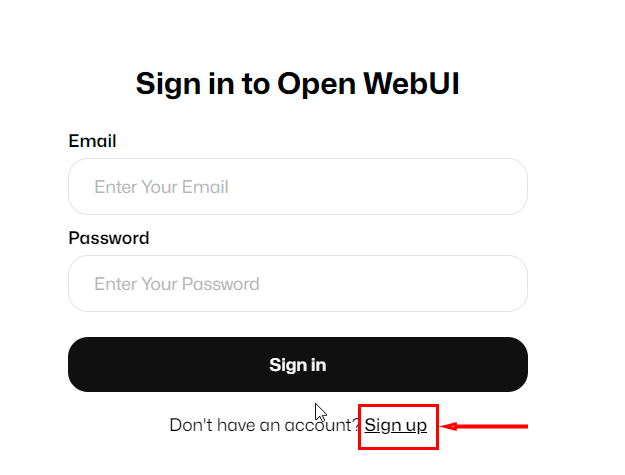
After clicking the link from the webpanel tag, the Get started with Open WebUI authorization window will open, where you must create an administrator username, email, and password for the chatbot, and then click the Create Admin Account button:

Attention
After the first user registers, the system automatically assigns them the Administrator role. To ensure security and control over the registration process, all subsequent registration requests must be approved in the Open WebUI interface from an administrator account.
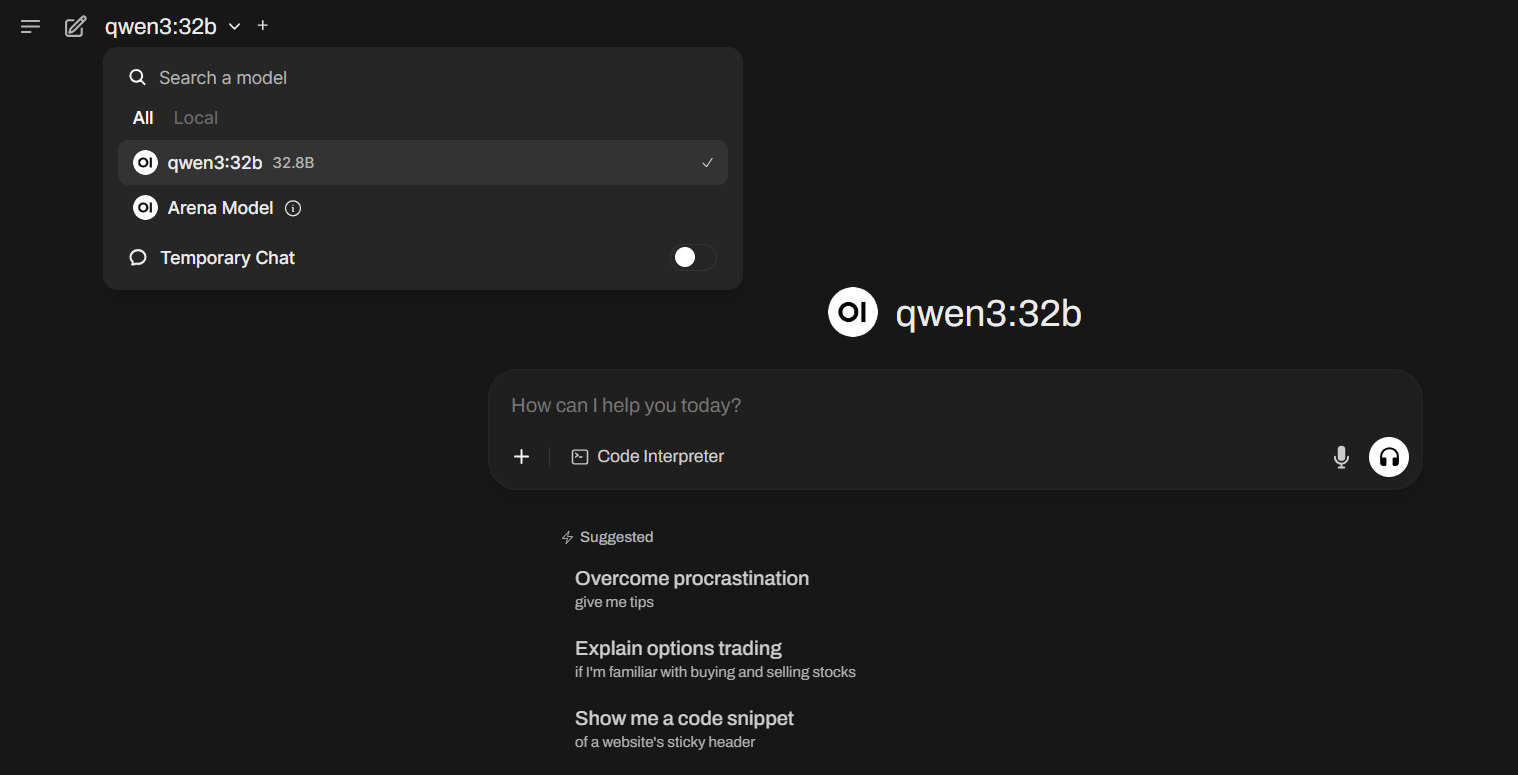
After successful registration, the main Open WebUI interface will open:
Note
A detailed description of how to work with the Ollama control panel via Open WebUI can be found in the AI Chatbot on Your Own Server article.
Note
For optimal performance, it is recommended to use a GPU with more than the minimum requirement of 24 GB VRAM, which provides headroom for processing large contexts and parallel requests. Detailed information regarding core Ollama and Open WebUI settings can be found in the Ollama developer documentation and the Open WebUI developer documentation.