North Mini Code 1.0
In this article
Information
North Mini Code 1.0 is the first specialized model for developers from Cohere Labs, designed for code generation and software agent engineering. The model uses a Mixture-of-Experts (MoE) architecture with 30 billion total parameters, of which only 3 billion are activated per token. This allows for high performance with relatively modest memory requirements: in Ollama, the model occupies about 19 GB and supports an impressive context window of up to 488K tokens. Deployment based on Ubuntu 22.04 with Open WebUI integration provides a user-friendly interface and full control over confidential source code.
Key Features of North Mini Code 1.0
- Efficient MoE Architecture: 30B total parameters with only 3B active, ensuring high code generation speed and low computational resource consumption;
- Giant Context Window: Native support for 256K tokens, expandable up to 488K in Ollama, allowing entire codebases and voluminous documentation to be loaded into memory;
- Software Agent Engineering: The model is specifically optimized to function as an autonomous coder and task planner;
- Local Execution: Its compact size makes this powerful model available for running on modern GPUs;
- Open WebUI Integration: Provides a modern web interface for easy interaction with the model via port 8080, ensuring full control over data and request processing;
- Scalability: Support for multi-GPU configurations and the ability to distribute loads across several GPUs for optimal performance;
- Security and Control: Full local deployment ensures data privacy, while
OLLAMA_HOSTandOLLAMA_ORIGINSsettings guarantee network security; - Performance: Utilizes efficient attention mechanisms to accelerate request processing and optimize model operation;
- Fault Tolerance: Built-in automatic restart system for containers and services ensures stable operation.
Deployment Features
| ID | Name of Software | Compatible OS | VM | BM | VGPU | GPU | Min CPU (Cores) | Min RAM (GB) | Min HDD/SDD (GB) | Custom Domain | Active |
|---|---|---|---|---|---|---|---|---|---|---|---|
| 638 | North Mini Code 1.0 | Ubuntu 22.04 | + | + | + | + | 8 | 12 | 40 | No | ORDER |
Information
Deployment details for this software can be found at this link
Note
Unless otherwise specified, we install the latest release version of the software from the developer's website or operating system repositories by default.
Getting Started After Deploying North Mini Code 1.0
After payment is completed, a notification regarding server readiness will be sent to the email address provided during registration. This email will contain the VPS IP address, login and password for connecting to the server, and a link to access the Open WebUI panel. Customers can manage their hardware in the Server Control Panel and API — Invapi.
-
Authorization credentials for accessing the server operating system (e.g., via SSH) will be sent to you in an email.
-
Link to access the Ollama control panel with Open WebUI web interface: located under the webpanel tag in the Configuration >> Tags section of the Invapi control panel. The exact link, formatted as
https://north-mini<Server_ID_from_Invapi>.hostkey.com, is sent in the email provided upon server delivery.
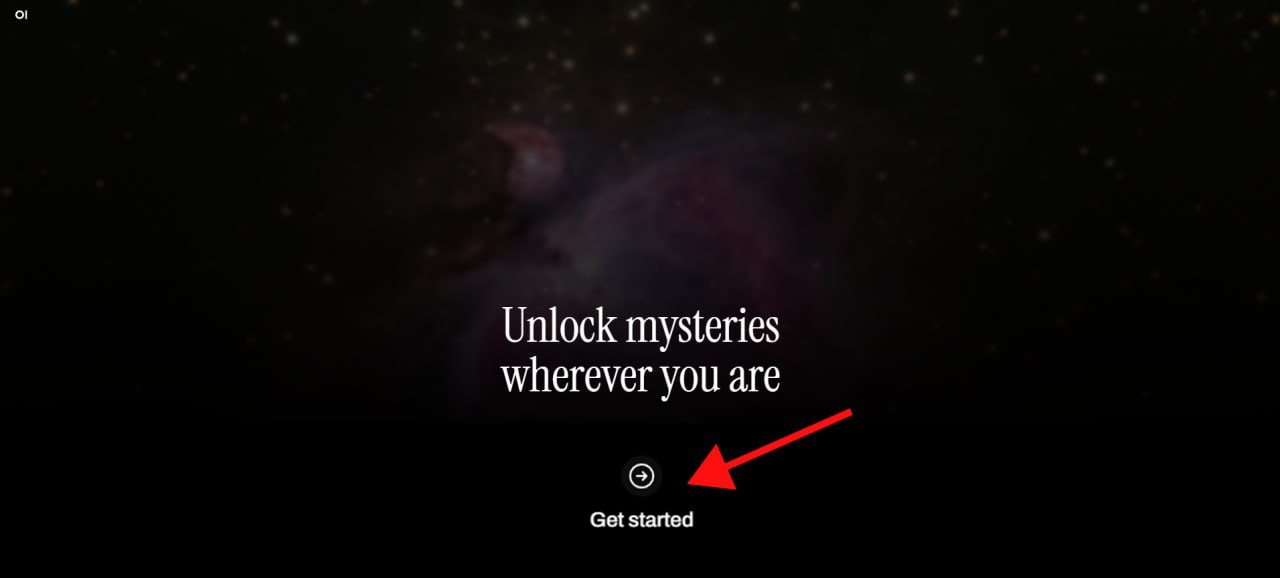
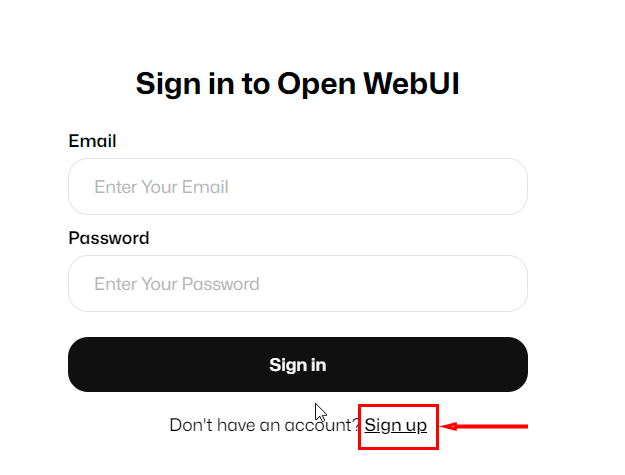
After clicking the link from the webpanel tag, the Get started with Open WebUI authorization window will open, where you must create an administrator username, email, and password for the chatbot, and then click the Create Admin Account button:
Attention
After the first user registers, the system automatically assigns them the Administrator role. To ensure security and control over the registration process, all subsequent registration requests must be approved in the Open WebUI interface from an administrator account.
Note
A detailed description of how to work with the Ollama control panel via Open WebUI can be found in the AI Chatbot on Your Own Server article.
Note
For optimal performance, it is recommended to use a GPU with more than the minimum requirement of 24 GB VRAM, which provides overhead for processing large contexts and parallel requests. Detailed information on core Ollama and Open WebUI settings can be found in the Ollama developer documentation and the Open WebUI developer documentation.