Snapshots of virtual servers
Information
A snapshot is a copy of the virtual server's file system. A snapshot allows for a full restoration of the server state. Snapshots are stored on the same node where the virtual server is located and only preserve the disk state, without the RAM state.
Attention
Performing a rollback operation to the specified snapshot will result in the irreversible deletion of all snapshots created after the selected restore point. It is recommended to ensure the correctness of your selection beforehand.
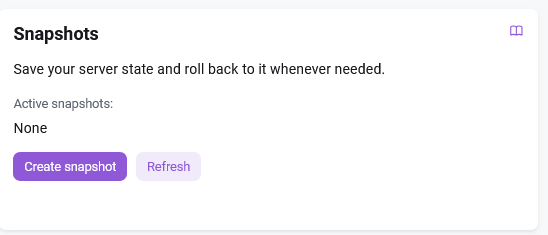
The Snapshots section in the Configuration tab is designed for managing virtual machine snapshots. It allows you to create snapshots and perform the following actions with them:
- Active snapshots - viewing the existing snapshots in the drop-down list;
Create snapshot- creating a snapshot.Restore- restoring from snapshot;Remove- removinging a snapshot;
Create a snapshot
Note
Once a week, a snapshot is created automatically for technical backup purposes.
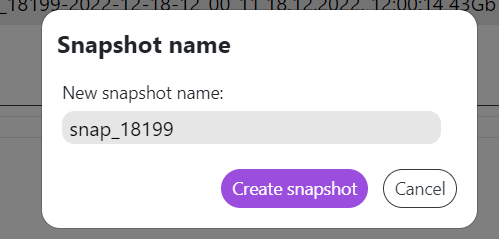
To create a snapshot, click on the Create snapshot, button, and then enter its name:
Important: Storage Limit
The maximum number of snapshots that can be stored is 1. Once this limit is reached, creating new snapshots will be impossible. To continue working, you must delete outdated snapshot.
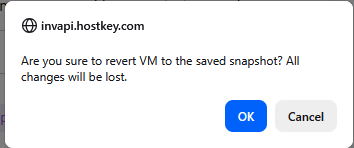
An additional message will be displayed on the screen while restoring the server from a snapshot or deleting an existing snapshot. You must confirm the action and click the OK button.
Attention
Before restoring the server from a snapshot you must go to the Power control tab and click on the Power off button. When the server is enabled (status Active), the Restore button is inactive.