Monitoring
In this article
The Monitoring tab of the server card allows you to observe your server's status.
Main Server Performance Parameters
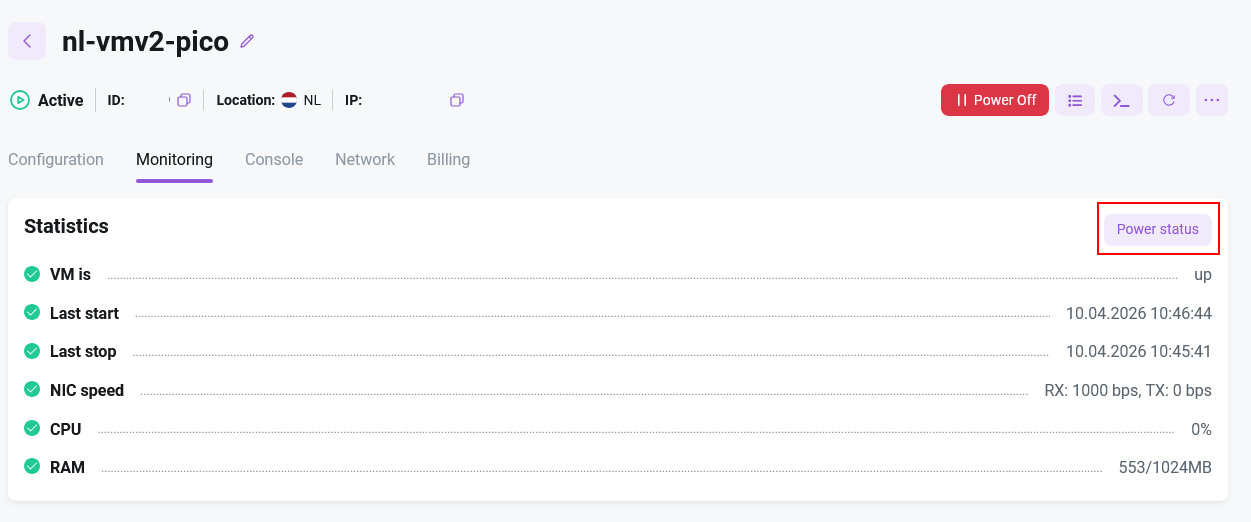
The monitoring window displays:
- Current status
- Date and time of the last start
- Date and time of the last stop
- NIC speed
- CPU
- RAM
Request Server Status
To check the current status, click the Power Status button — the information will be displayed on the screen.

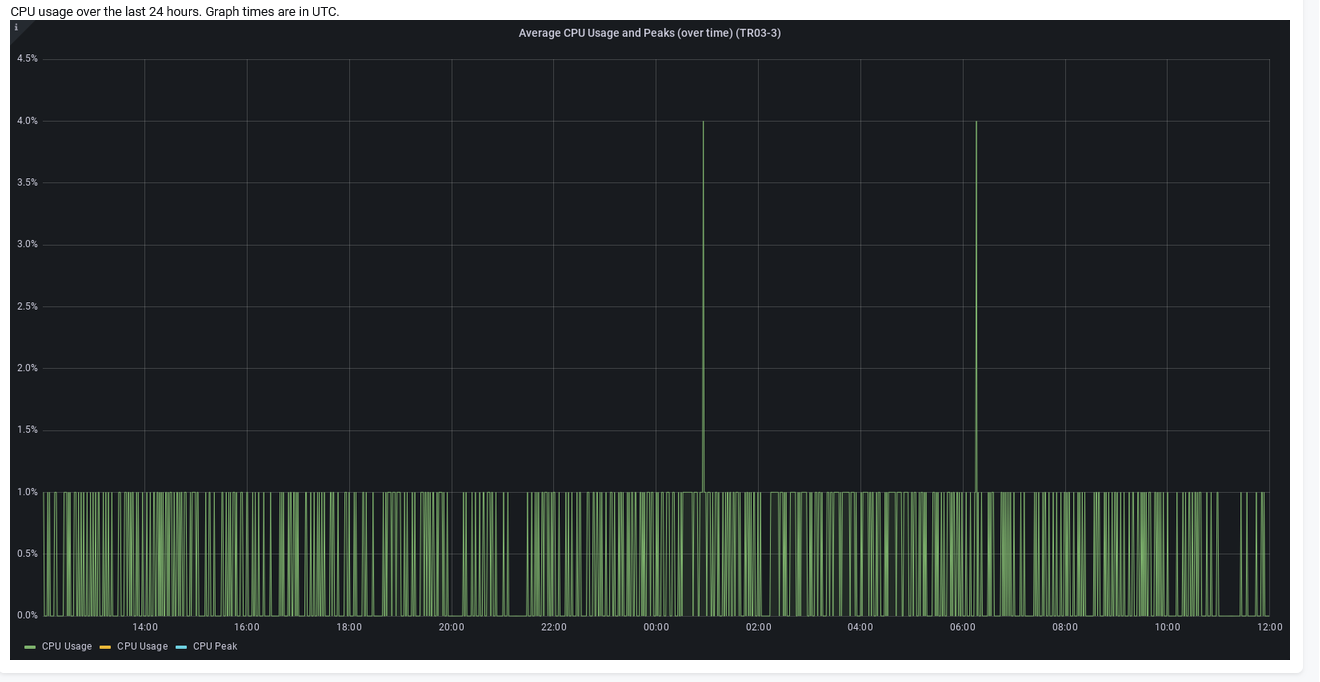
Request CPU Load Graph
To check the daily CPU load, click the CPU Usage button — the information will be displayed on the screen.