Server Power Management
In this article
Server power management is performed using hotkeys located at the top of the server card.
Virtual Servers (VPS)
The following operations are available for virtual servers:
- Power on the server;
- Power off the server;
- Reboot the server;
- Force power off (Hard Stop)
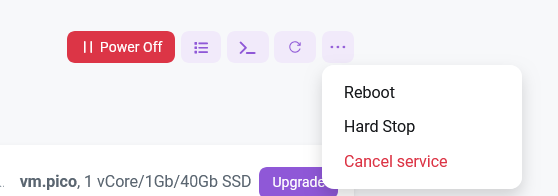
Hard Stop
The Hard Stop button is used to forcibly shut down a virtual machine if it shows the status Powering Down but does not actually power off.
Attention
Forcing a shutdown may damage the file system. Use only if a normal shutdown fails.
Power status query
Checking the current power status is performed in the Monitoring tab.
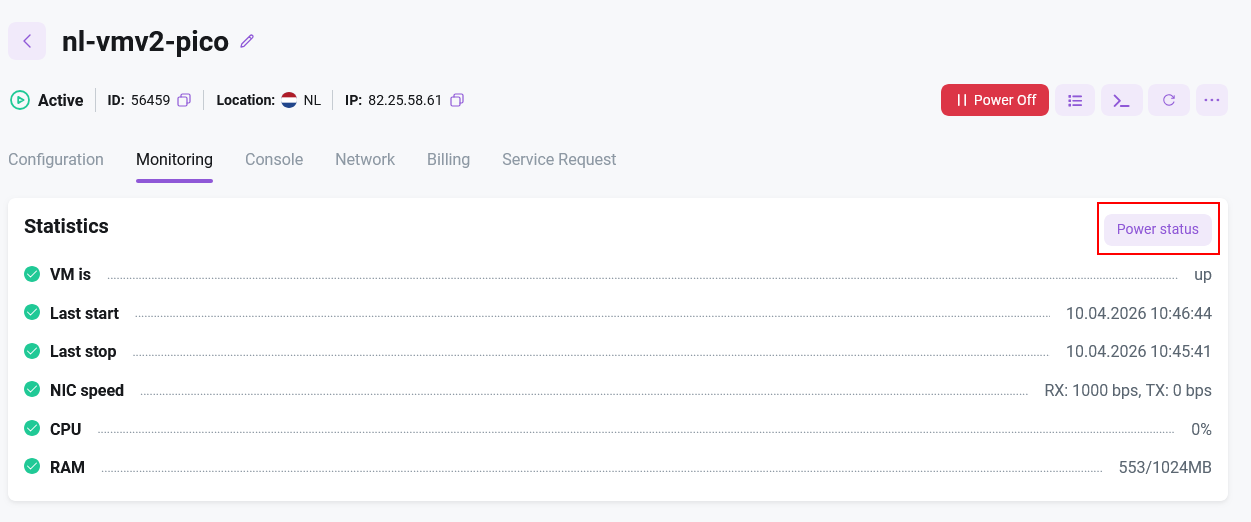
To check the current status, click the Power status button to display the information on the screen.

Dedicated Servers (Bare Metal)
The following options are available for physical servers with remote management capabilities:
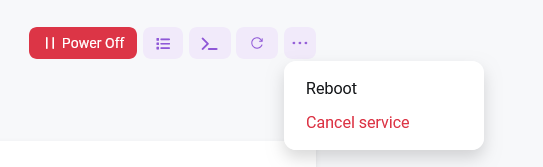
- Power on - powers on the physical server;
- Power off - powers off the physical server;
- Reboot - reboots the physical server;
To check the power status, you can use the Monitoring tab.
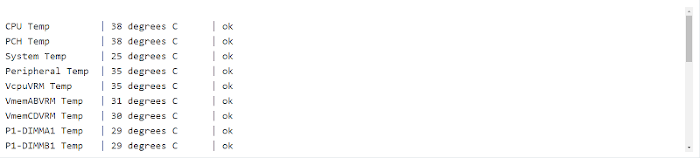
- Sensors - reads data from hardware sensors (temperature, voltage, fan RPM);
- Power status - loads the current power status;

Sensors allow you to obtain detailed information from the server's hardware sensors:
Servers without remote management
If the server cannot be managed remotely, you can submit support requests:
- Request: POWER ON - create a request to power on the server
- Request: POWER OFF - create a request to power off the server
- Request: REBOOT - create a request to reboot the server
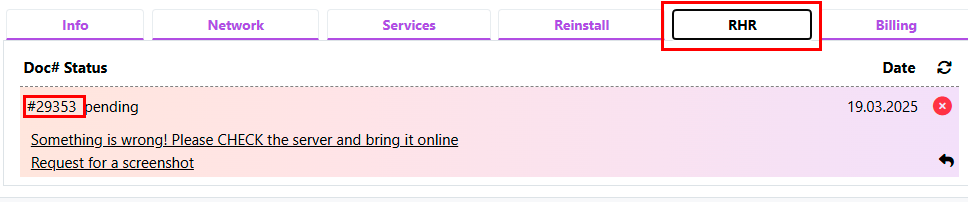
- Request: Check my server and reconnect it to the network, something is wrong - create a request for diagnostics and troubleshooting
After creating the request, the system will generate a support ticket. You can track the ticket status in the corresponding menu:
Information