Billing and depositing into your HOSTKEY account
Attention
All services of our service are paid in advance.
Billing
The Billing section of the Invapi control panel allows you to check the current status of your account and top up your balance. To do so, please navigate to your Invapi personal account, go to the Billing menu, and click on the Top Up button.
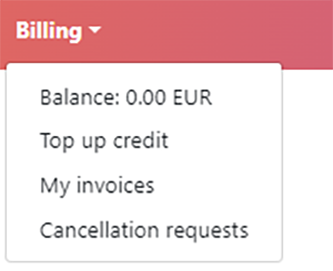
Then the Add credits step:
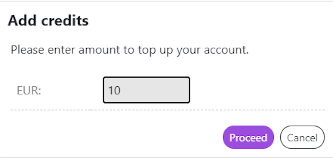
The user can select the amount of payment and payment methods in this menu:
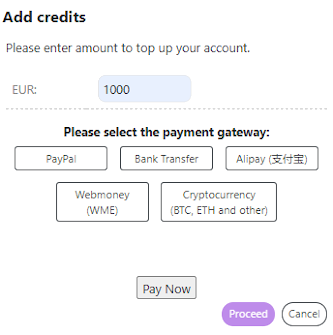
After selection of the payment method, the page will show a Proceed button:
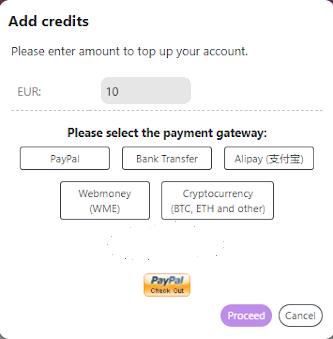
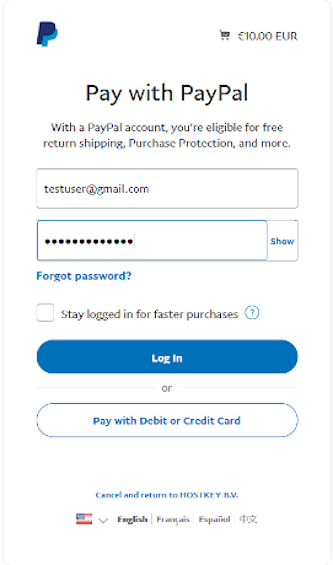
The button allows going to the page of the selected payment method:
Note
You can check the detailed information of payment terms and methods here.
Payment methods
We accept the following payment options for our services:
- PayPal (PayPal, VISA, Mastercard, Amex, etc.);
- Stripe (VISA, Mastercard, Amex, Alipay, iDEAL, etc.);
- Bank Transfer;
- Cryptocurrency (BTC, ETH and other).
Note
For more information see relevant section.
Information